





The Password Is Slowly Disappearing. Microsoft Just Took Another Big Step.
For decades, signing in to a business account has followed the same basic formula: enter a password, receive a code, and prove you are who you say you are.
Microsoft is now accelerating a major change to that familiar process.
Beginning September 1, 2026, Microsoft started making passkeys the default authentication experience in Microsoft Entra ID for users who are currently enabled for SMS or voice authentication. As the change reaches an organization, affected users may be prompted to register a passkey the next time they complete multi-factor authentication.
For employees, that could mean something unfamiliar suddenly appearing during a normal Microsoft 365 sign-in.
For businesses, it means now is a good time to understand what passkeys are, why Microsoft is making the change, and what employees should expect before the transition goes further in 2027.
What Is a Passkey?
A passkey is a newer way to prove your identity without relying on a traditional password or a security code sent by text message.
Instead of using a shared secret that can potentially be stolen, intercepted, or entered into a fake website, passkeys use cryptographic credentials tied to a trusted device or credential manager.
Depending on the setup, a user might sign in using:
- Windows Hello
- a fingerprint
- facial recognition
- a device PIN
- Microsoft Authenticator
- a FIDO2 security key
- a passkey stored in a supported password or credential manager
The important difference is that the user is not simply typing another secret that an attacker can easily steal and reuse.
Microsoft describes passkeys as a phishing-resistant authentication method, which is one of the major reasons it is encouraging organizations to adopt them.
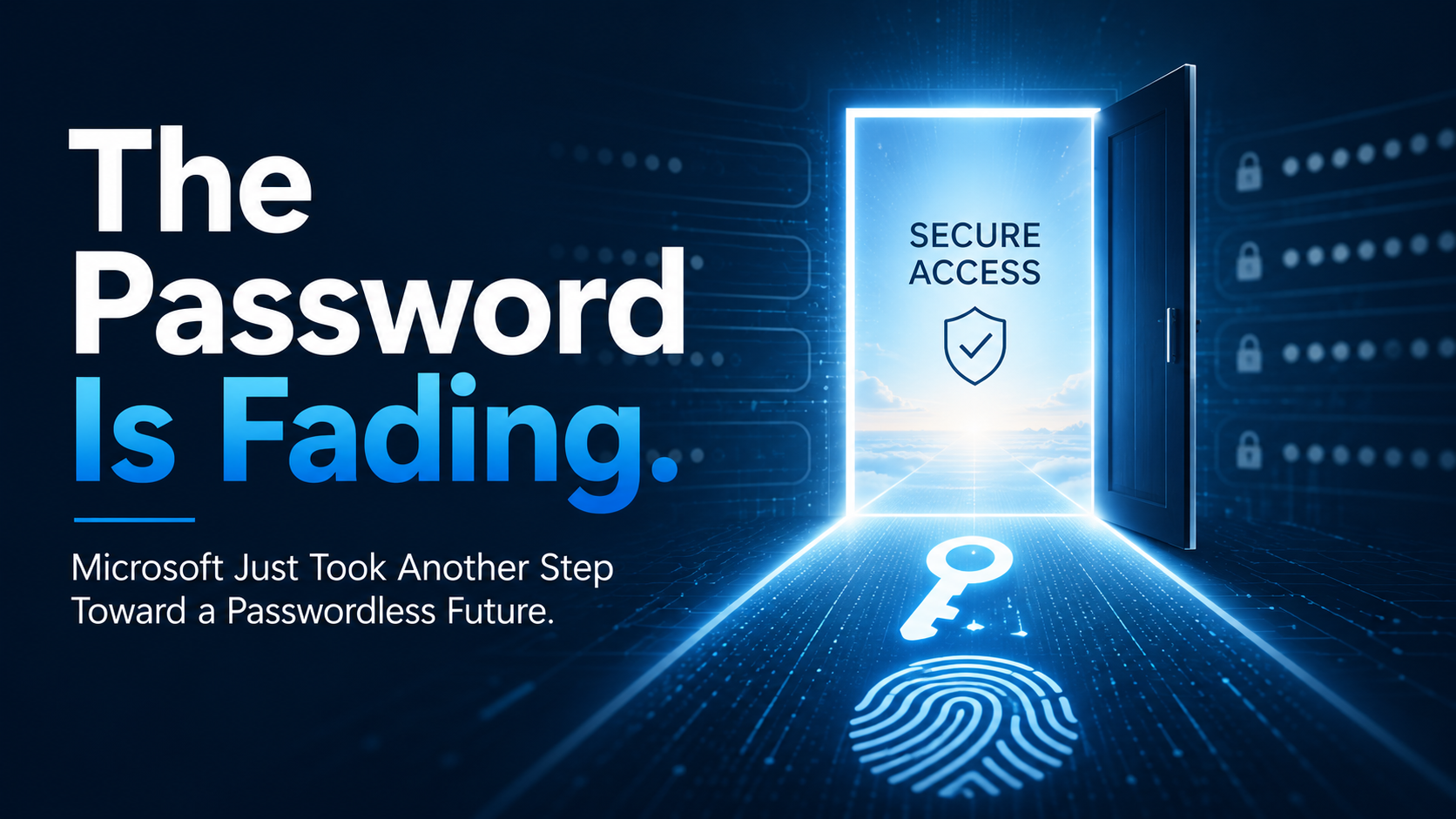
Why Is Microsoft Moving Away From SMS and Voice Authentication?
Text-message codes were an important improvement over password-only security.
But attackers have become much better at getting around them.
SMS and voice authentication can be vulnerable to techniques such as:
- phishing
- SIM swapping
- social engineering
- intercepted authentication codes
- fake login pages
- multi-factor authentication bypass techniques
Passkeys are designed to make many of these attacks significantly more difficult because the authentication credential is not something a user can simply type into an attacker-controlled website.
That makes this change part of a much broader movement toward phishing-resistant authentication.
What Changed on September 1?
Starting September 1, 2026, Microsoft began rolling out passkeys as the default authentication experience in Microsoft Entra ID.
Users who are enabled for SMS or voice authentication can be automatically enabled for passkeys as the rollout reaches their organization.
The next time an affected user signs in and completes MFA, Microsoft may prompt that person to register a passkey.
That is important for businesses because employees may see something they have never encountered before.
A prompt asking someone to configure a passkey may be completely legitimate.
But employees should still follow normal security practices and make sure they arrived at the prompt through a sign-in they initiated themselves.
What Employees Should Expect the Next Time They Sign In
For many users, very little will change immediately.
Employees already using Windows Hello for Business, passkeys, FIDO2 security keys, or another phishing-resistant authentication method can generally continue using those methods.
The biggest difference will be for employees who still rely primarily on SMS or voice calls for MFA.
Those users may begin seeing a request to create a passkey after successfully completing authentication.
If that happens, employees should:
- Make sure they initiated the Microsoft 365 sign-in themselves.
- Follow their organization’s approved passkey setup instructions.
- Contact IT if they are unsure whether the prompt is legitimate.
- Avoid following unexpected email or text-message links telling them to “activate” a passkey.
The last point is especially important.
Cybercriminals pay close attention to technology changes. A widespread Microsoft authentication transition creates an obvious opportunity for phishing messages that imitate legitimate passkey-registration notices.
Does Microsoft Authenticator Go Away?
No.
Microsoft Authenticator remains part of Microsoft’s authentication ecosystem and can be used with passkey-based authentication.
Businesses should not interpret the passkey announcement as the end of Authenticator, Windows Hello, or FIDO2 security keys.
The broader objective is to reduce dependence on authentication methods that can be more easily phished or intercepted.
The Bigger Deadline Is February 1, 2027
September is the beginning of the transition, but another date deserves attention:
February 1, 2027.
On that date, Microsoft plans to retire the SMS and voice authentication delivery that it currently provides natively through Microsoft Entra ID.
Organizations that continue relying on Microsoft-provided SMS or voice authentication will need to move users to another authentication method before the deadline.
Microsoft recommends moving users to phishing-resistant methods such as:
- passkeys
- Windows Hello for Business
- FIDO2 security keys
Organizations with a legitimate operational or regulatory need to continue using SMS or voice will have the option of working with supported telecommunications providers through the Microsoft Security Store.
What Happens If a Business Does Nothing?
That is where the change becomes more significant.
After February 1, 2027, users whose only available MFA method is Microsoft-provided SMS or voice may be required to register a passkey before they can continue signing in.
Microsoft has said that this registration requirement will become blocking for those users.
In other words, waiting until the deadline could turn what should be a planned authentication upgrade into an employee sign-in problem.
Businesses have several months to prepare, which is why addressing the transition now makes much more sense than waiting for users to encounter it individually.
What Businesses Should Do Now
A good starting point is determining how employees currently authenticate.
1. Identify Employees Still Using SMS or Voice
IT administrators should review Microsoft Entra authentication policies and usage reports to determine which users still rely on text messages or voice calls.
2. Decide Which Authentication Methods to Support
Not every employee has to use exactly the same authentication method.
An organization may decide to use a combination of Windows Hello, Microsoft Authenticator passkeys, FIDO2 security keys, or other supported passkey options depending on the employee’s role and equipment.
3. Test the User Experience
Before rolling out passkeys to an entire organization, test the process with a small group.
Make sure employees understand how registration works, what legitimate prompts look like, and what to do if something goes wrong.
4. Tell Employees What Is Coming
This may be the most important step.
If employees know in advance that Microsoft may ask them to register a passkey, they are much less likely to be confused when the prompt appears.
Communication should also remind users that they should only configure authentication after beginning a legitimate sign-in themselves.
5. Have a Recovery Plan
Phones get lost. Computers fail. Employees replace devices.
Authentication planning should include a secure way to recover access when an employee no longer has the device containing a passkey.
A Better Sign-In Experience Can Also Be More Secure
Security improvements often create additional friction for employees.
Passkeys have the potential to do the opposite.
Once configured properly, employees may be able to sign in using the same fingerprint, face recognition, PIN, or trusted-device experience they already use every day.
Behind that simpler experience is an authentication method designed to make credential theft and phishing substantially more difficult.
That combination — easier for legitimate users and harder for attackers — is why passkeys are becoming such an important part of modern identity security.
One Security Lesson Employees Should Remember
As passkey prompts become more common, employees should remember one simple rule:
Only register or approve authentication when you initiated the sign-in.
If an unexpected email, text message, phone call, or website tells you to configure a new authentication method, stop and verify it with your IT team.
Technology may be changing, but one of the best defenses against phishing remains the same:
When something unexpected asks for access to your account, do not rush.
The Passwordless Future Is Getting Closer
Passwords are not disappearing overnight.
But the direction is becoming increasingly clear.
Microsoft, Apple, Google, and other major technology providers have been moving toward authentication methods that rely less on passwords, text-message codes, and other secrets that attackers can steal.
Microsoft’s September 2026 passkey rollout is another significant step in that transition.
For businesses, the best approach is not to wait until employees are forced to change.
Identify who still relies on SMS or voice authentication, decide which phishing-resistant methods make sense for your organization, educate employees about the new sign-in experience, and begin the transition while there is still plenty of time.
Done properly, the result should be something businesses rarely get from a security change:
stronger protection with an easier sign-in experience.
Sources
Microsoft Security Blog: Passkeys Are the Default Authentication Method in Entra ID